
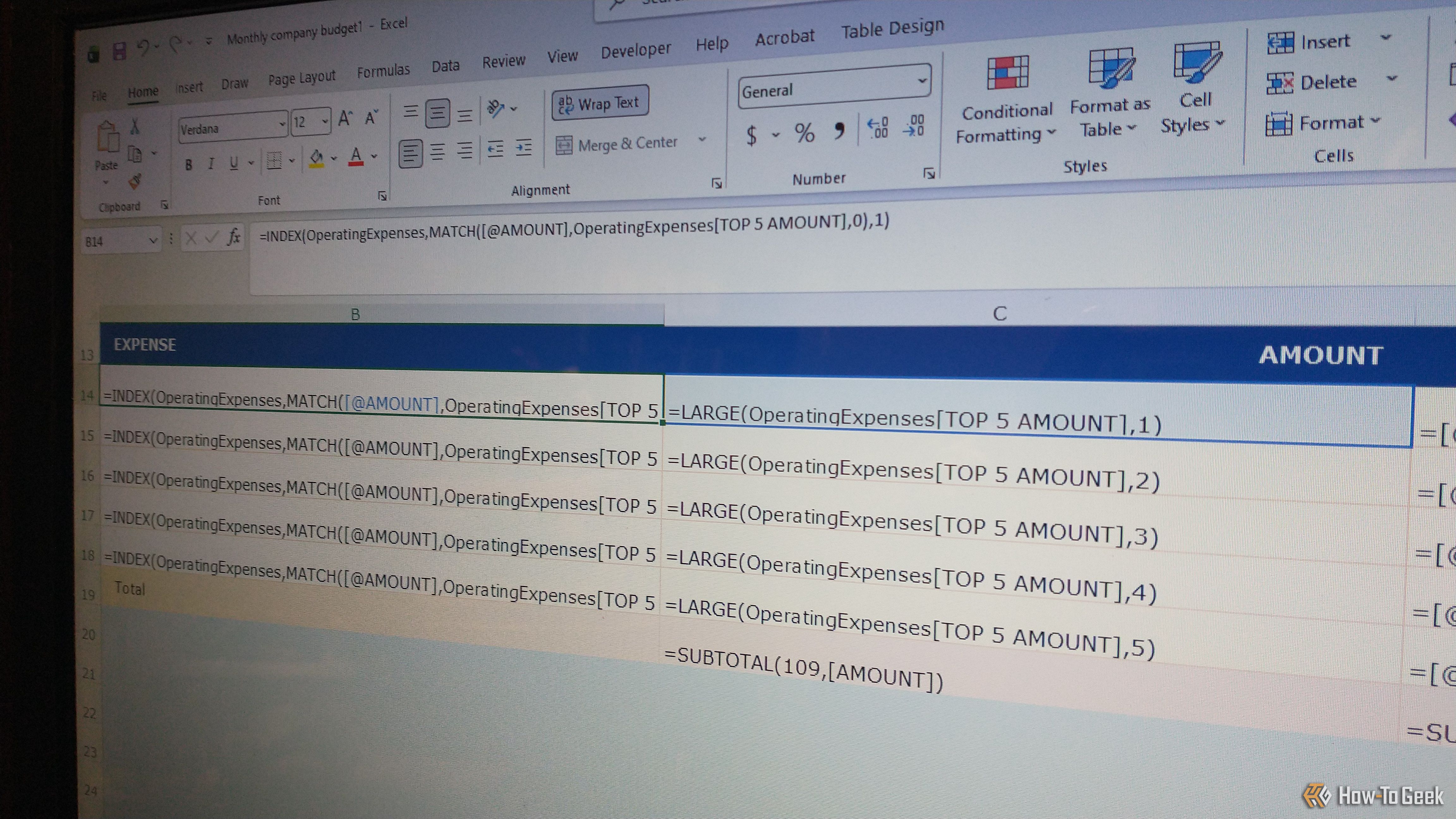
Excel has been around for quite some time, from its original debut as Microsoft Multiplan in 1985 for Macintosh to becoming Excel in 1987 for Windows. Since then, it has continued to improve functionality, capabilities, and even the GUI. The number of formulas, VBA scripting, and macros you can customize to your needs make the software worth going back to. I love its huge library of functions, including formulas and references to information from cells, workbooks, and worksheet tabs.


